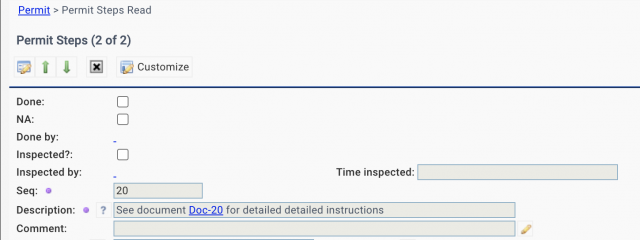
Documents can be integrated into permit steps in the coming release of R2026 (January 2026). For instance, document "Doc-20" is referenced in step 20 description in the screenshot below. Follow the processes below to integrate docs into step descriptions:
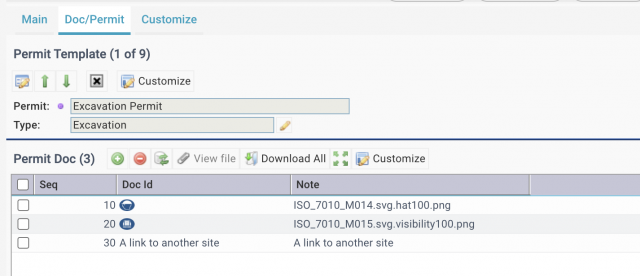
- Go to a permit template (Work Order | Codes | Permit Templates).
- Add documents to the document list in "Doc/Permit" tab (next screenshot).
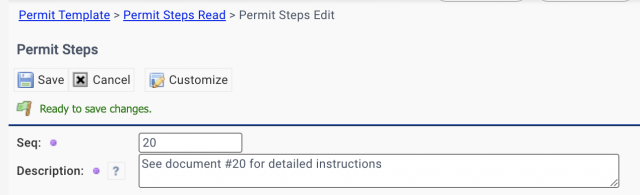
- In step description use "#" + "Sequence Number" of a document as its reference link (last screenshot).
- Click link "Doc-20" will launch the doc in Calem.